
Big update: PvP, PvE and client optimization
PvP balance, monsters with aggro, engine optimization, plus Bonus Shop, Battle Pass and fixes
We studied PvP fight stats and decided to improve 3 things
 01SurvivabilityFor some classes a fight lasted up to 3 seconds, while tank builds made a character almost unkillable.Details
 02Attack speedAfter a certain cap, each extra point of speed gave less.Details03HealingPots out-healed the damage, and macros gave an edge over the client's built-in auto-heal.Details
The servers have been running for a long time, and players are now far apart in progress: resets, master level, other progression systems. A fix that works at one level breaks balance at another. So we changed PvP combat itself — each change is explained below.
Survivability
Damage reduction no longer makes you invulnerable
Before, damage reduction bonuses from gear, collections and buffs stacked, and you could cut up to 70% of every hit.
Now in PvP they have diminishing returns: the first few percent of damage reduction work almost at full power, and each next one is weaker.
Damage reduction is still useful, but you can no longer stack so much that the enemy can't get through.
Why
Before, fights were decided by extremes: some characters died in a couple of seconds, others took almost no damage. The new rules smooth out both: a fight between equals lasts longer, and defense and damage reduction stay useful but no longer make you invulnerable.
Attack speed
A fight between equals now lasts longer — and the winner is the one who does more in that time. So we reworked attack and magic speed: now it speeds up casting up to the character's animation speed.
Before, after a certain cap each extra point of speed gave less and less. Now investing in speed works at full power — fast builds cast much more often.
Diagram for high attack speed: before, casting hit a cap; now it speeds up to the animation limit.
Why
Fights got longer — now there is time to answer your opponent. And the faster your character, the more it can do in that time: back off, switch skills, drink a pot or finish the enemy. That's why attack speed now works at full power.
Potion fatigue
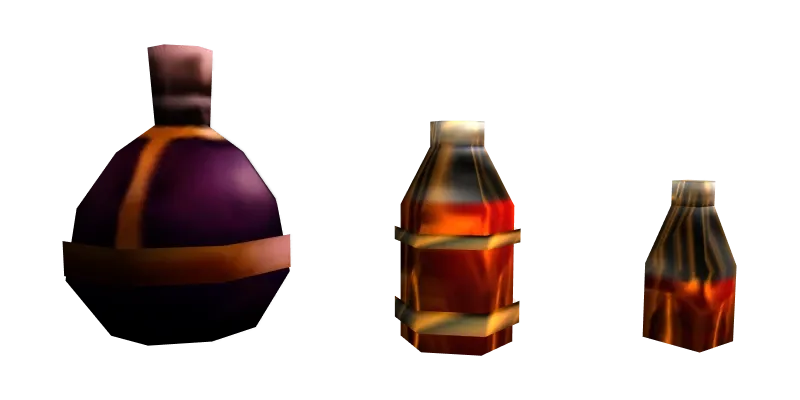
Using any healing pot triggers fatigue — all of them share one counter. Mana pots are not affected.
Fatigue is a healing penalty for drinking pots too often. If you drink a pot and then another one within 5 seconds, it heals 30% less than the previous one. This goes on with each pot in a row, but never below 10%. The slot shows in percent how much the next pot will heal.
The first 3 pots give almost 70% of all healing — after that the gain is barely noticeable.
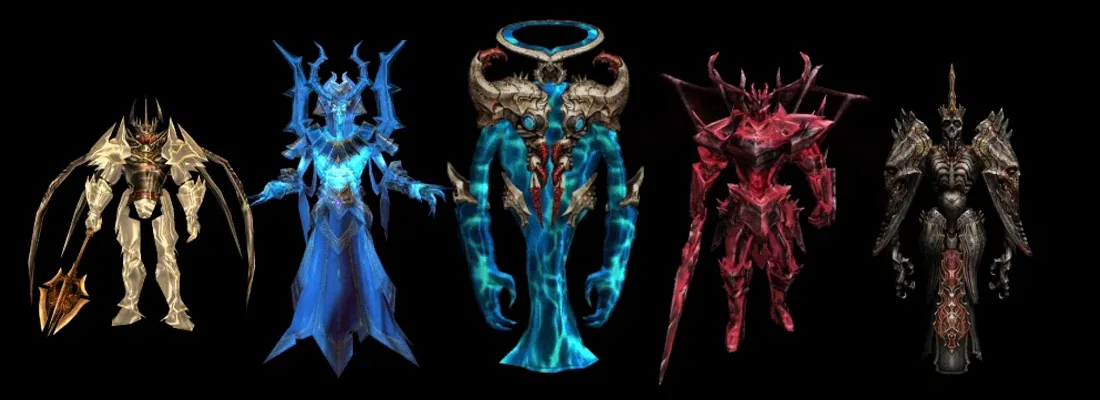
Bosses are more dangerous now. If pots heal weakly, back off for 5 seconds and the penalty resets.
Against strong monsters, kiting helps: keep your distance and fall back while the penalty resets, then return to the fight with full healing.

The Energy Elf is now more useful in a party: while pots get weaker from fatigue, her heal helps you hold out against strong monsters.
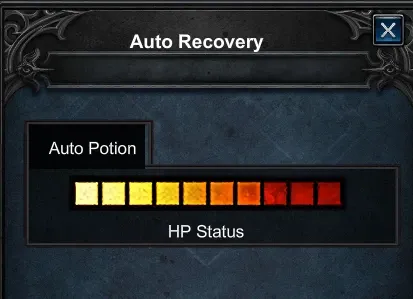
In the Auto Recovery section, the HP Status slider sets at what HP level your character drinks a pot. Set it lower — you will use pots less often, fatigue won't build up, and each pot will heal more.
Why
Before, a fight between two tanky characters could go on forever: pots restored more than the damage taken, and macros gave an edge over the client's built-in auto-heal.
Note: we are generally against macros and will keep reducing their impact on the game.
Skills
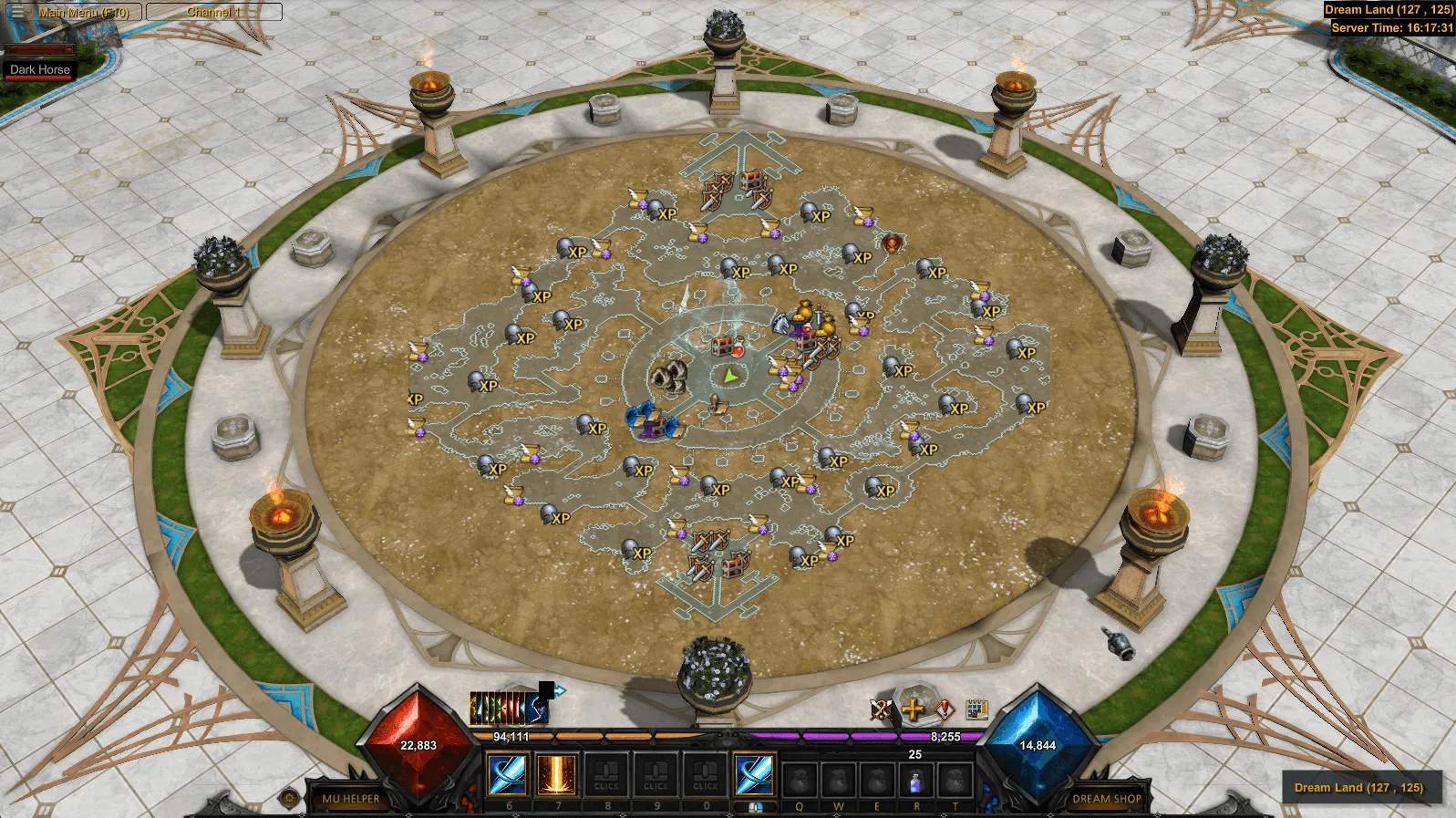
The new combat rules changed the balance between skills, so we adjusted the PvP damage of some of them. One skill should not decide a duel on its own, and new skills are now as good as the old ones.
AoE skills are strong where there are many targets: in sieges, guild wars and farming. In a 1v1 duel, precise single-target skills should win, so we lowered the PvP damage of AoE skills.
 Meteor Storm
 Dark Blast
 Wind Soul
 Ice Blood
 Fire Blood
The Magic Gladiator's Ice Blood and Fire Blood used to hit all enemies in the area. Now the number of targets is limited — 6 at most, and the defense reduction from these skills is weaker.
Ice BloodFire Blood
Dark Wizard
↓ nerfed ↓Meteor Strike
 ↓Soul Seeker
 ↓Flame
 ↓Cometfall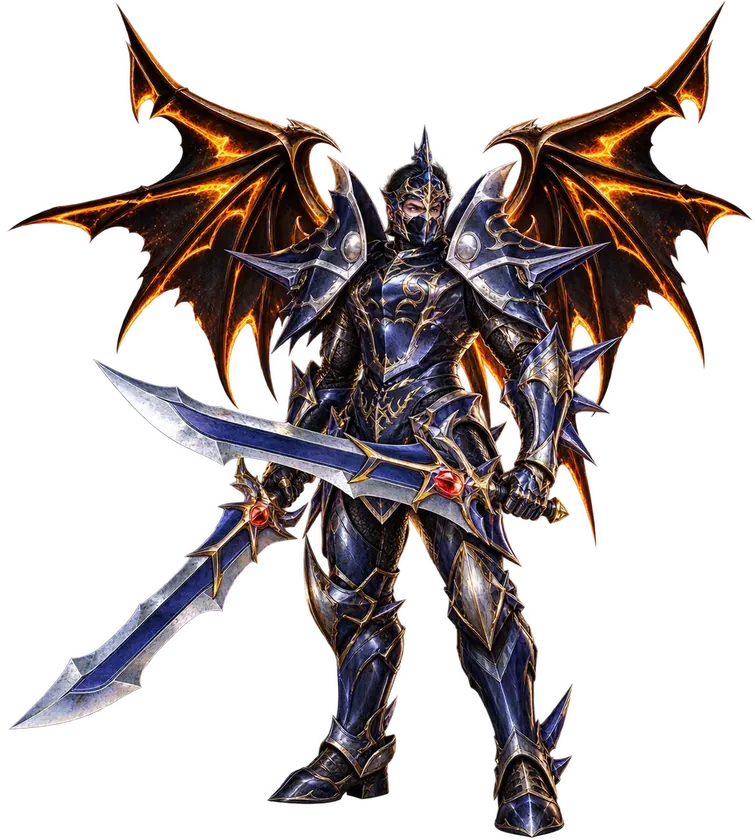
Dark Knight
↓ nerfed ↓Death Stab
 ↓Fire Blow
Death Stab — including all versions from the Master Skill Tree.
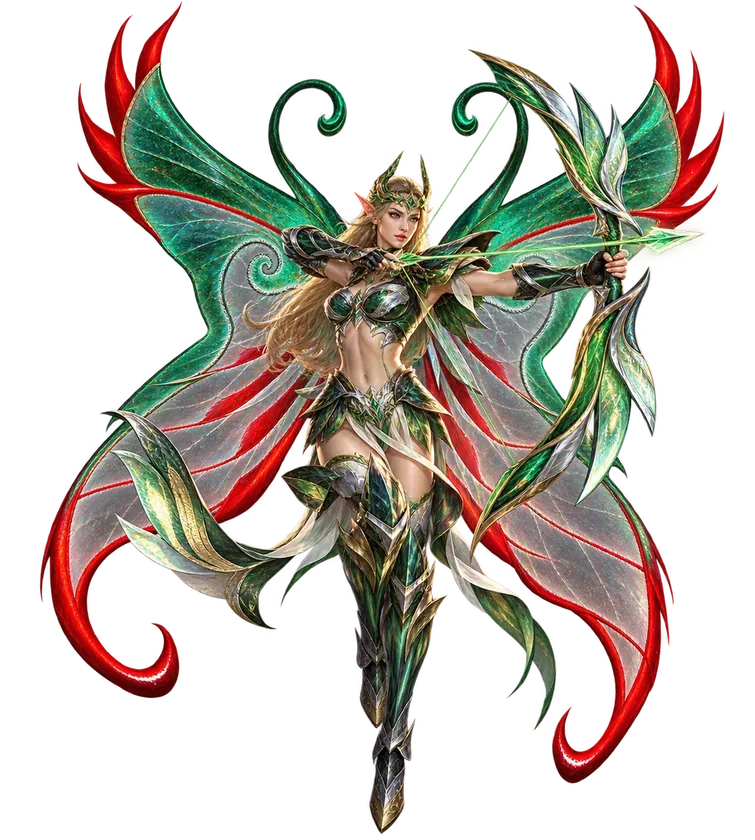
Fairy Elf
↓ nerfed ↓Penetration
 ↓Focus Shot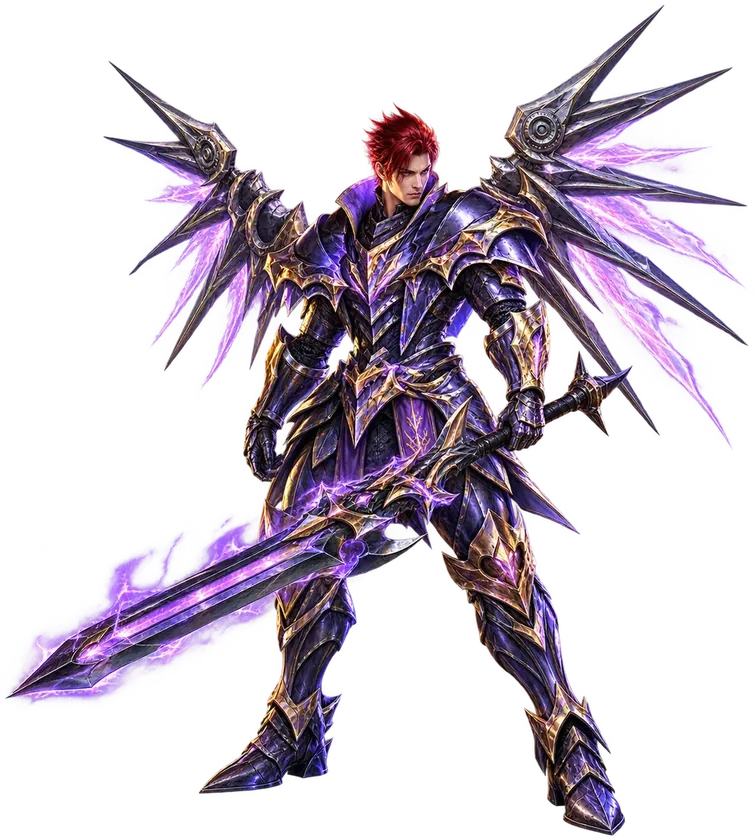
Magic Gladiator
↓ nerfed↓Ice Blood↓Fire Blood↓Dark Blast↓Cometfall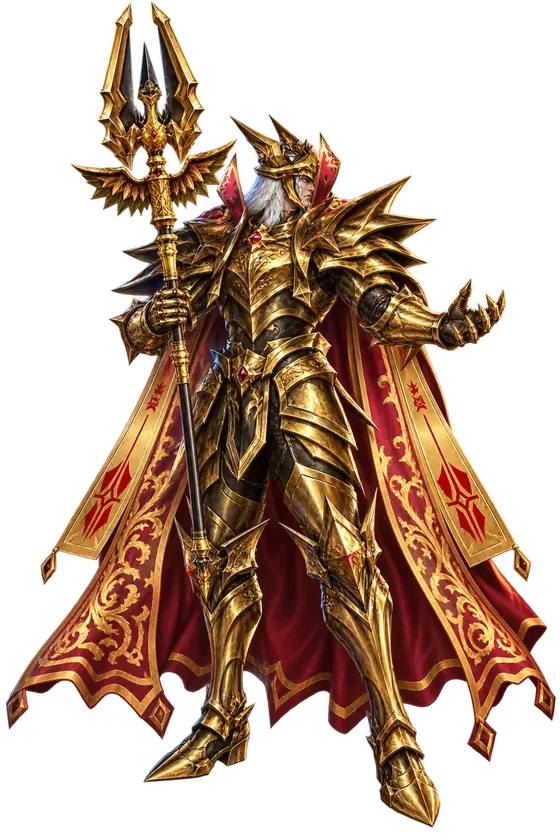
Dark Lord
↓ nerfed↓Wind Soul ↓Fire Burst
Summoner
↑ buffed ↑Fire Beast
 ↑Aqua Beast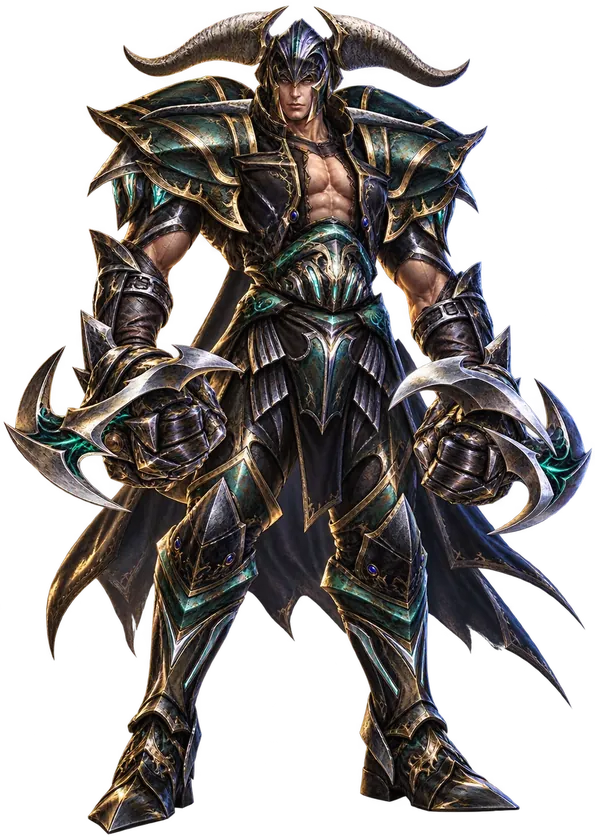
Rage Fighter
↓ nerfed ↓Beast Uppercut
Damage

 ↑ buffed
Dark Knight and Magic Gladiator deal more damage to monsters — to bring their farming speed up.

 ↓ nerfed↓Wind Soul↓Fire Beast↓Aqua Beast
deal less damage to monsters
They farmed about 3 times faster than other classes. Dark Lord and Summoner are still among the top PvE damage dealers.
Monsters
Monsters got smarter. Monsters now have aggro. Every hit on a monster adds threat for you. It attacks whoever has the most threat: the more damage you deal, the more likely it picks you. Aggro works in the open world and in events.
Turn it off in Interface → Aggro Indicator. Not shown in Chaos Castle.
 +10% / +30%Taking aggroTo pull a monster off another player, get 10% more threat than its current target if you stand close, or 30% more if you hit from range.
 10 secTarget switchIf you deal no damage to a monster for 10 seconds, it drops you and picks another target. If it can't reach you — a wall, a cliff, the edge of the zone — it switches target after a few seconds.
 ×2PetsSummoned pets build threat twice as fast. While a pet tanks the monsters, you can attack safely.
 ↩Reset and healMonsters pulled far away go back to their spot and slowly regain HP while nobody attacks them.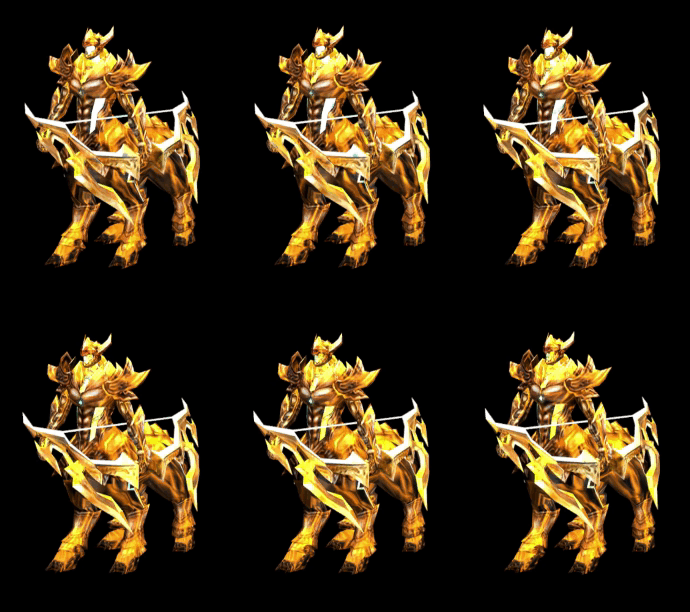
Monster sync with the server has been reworked. Before, a monster's position on screen could differ from the server one. Now monsters no longer “jump”, teleport to your character or “stumble” when hit — they move along the same path and at the same speed as on the server.
A monster is where you see it, even when slowed, so hits and skills — for example, Power Slash and Multi-Shot — no longer miss because of position mismatch.
Engine optimization
The game engine got a big optimization: the game loads faster, uses less memory and keeps high FPS even in crowded scenes. Modern graphics tech has been added — anti-aliasing, frame generation and new environment effects. A graphics card with DirectX 11 support is enough to run it, so the game works on old PCs too.
Performance is up on all devices
On an old PC, choose lower graphics quality in the settings: the game won't overload your computer, and you can play without lag or freezes.
Bonus Shop update
New skin packs have been added on the x20, x5 and x100 servers.
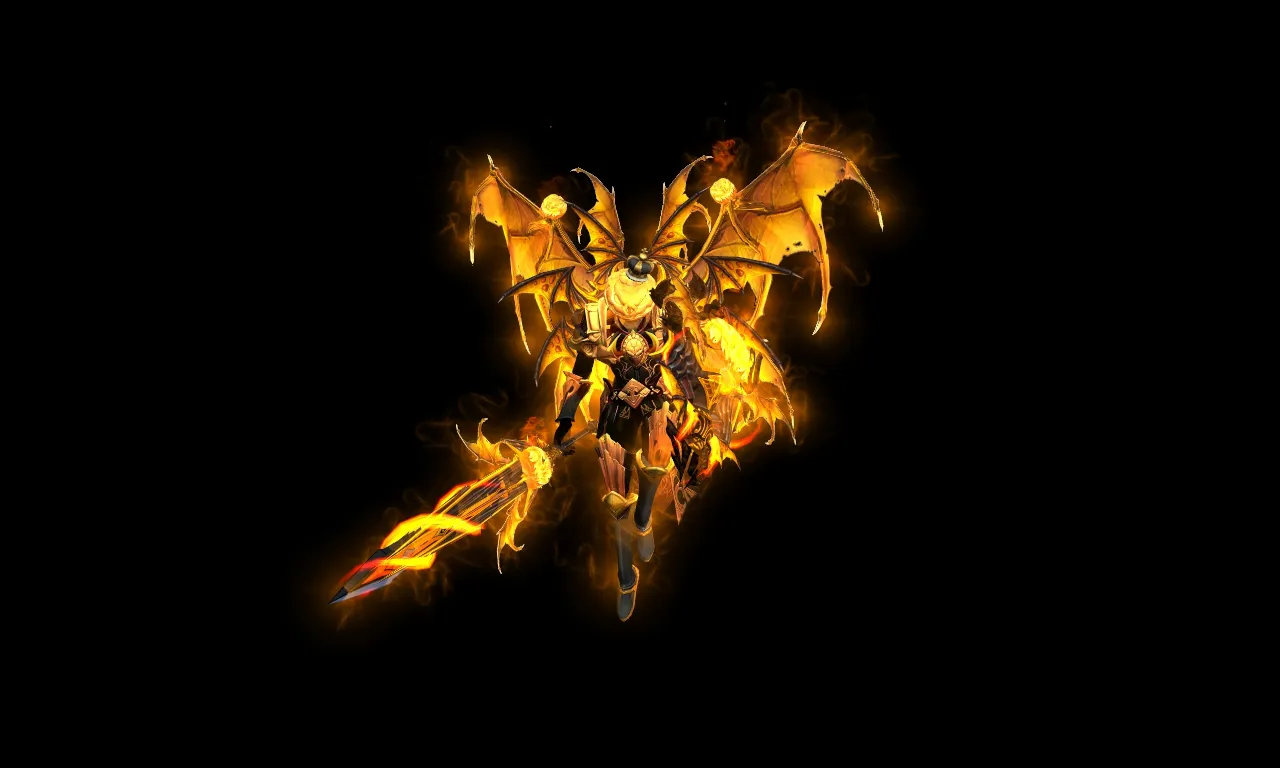 Pumpkin Lord
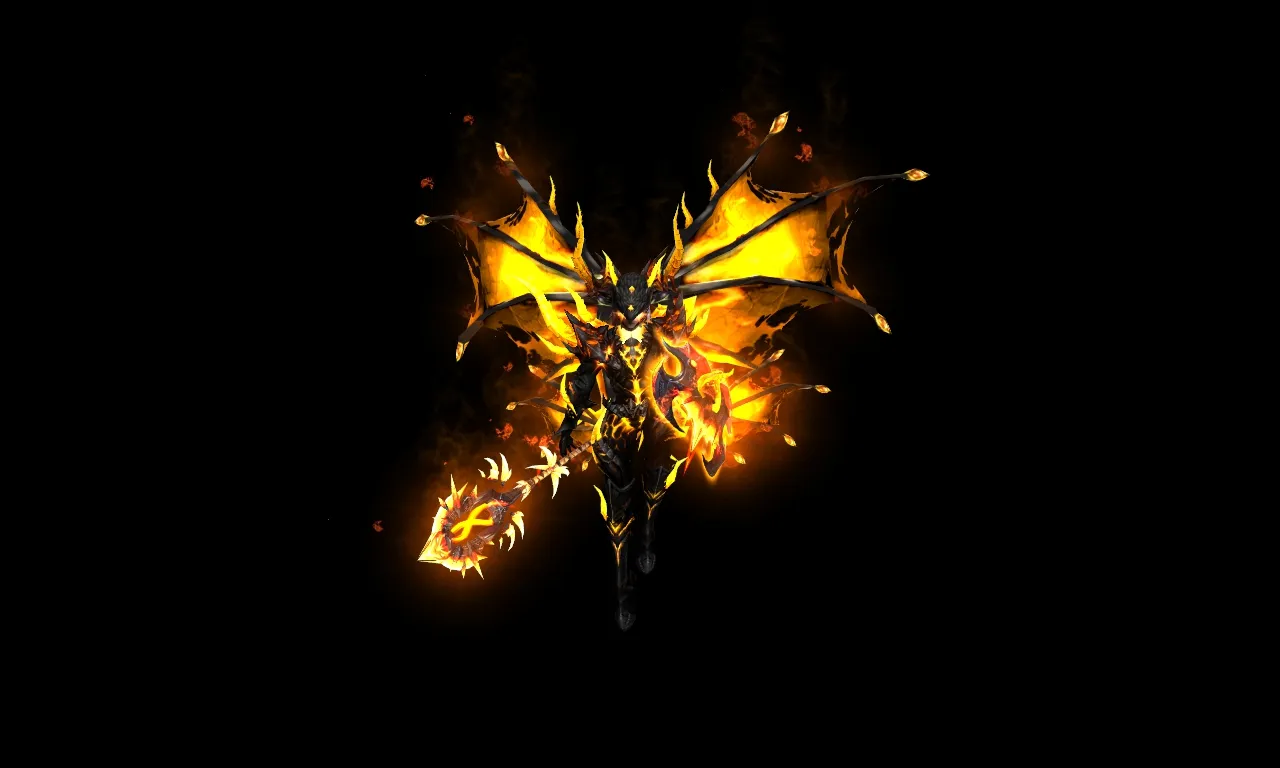 Magma
Magma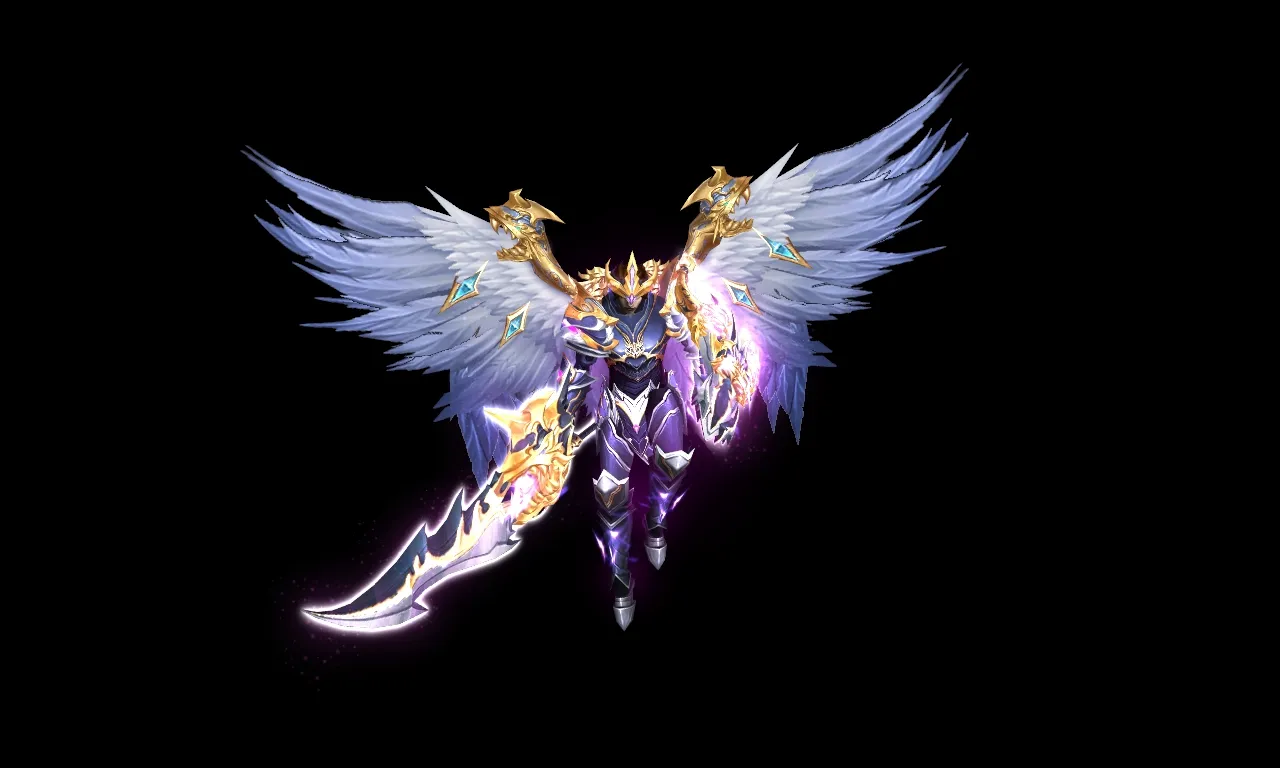 Arcanor
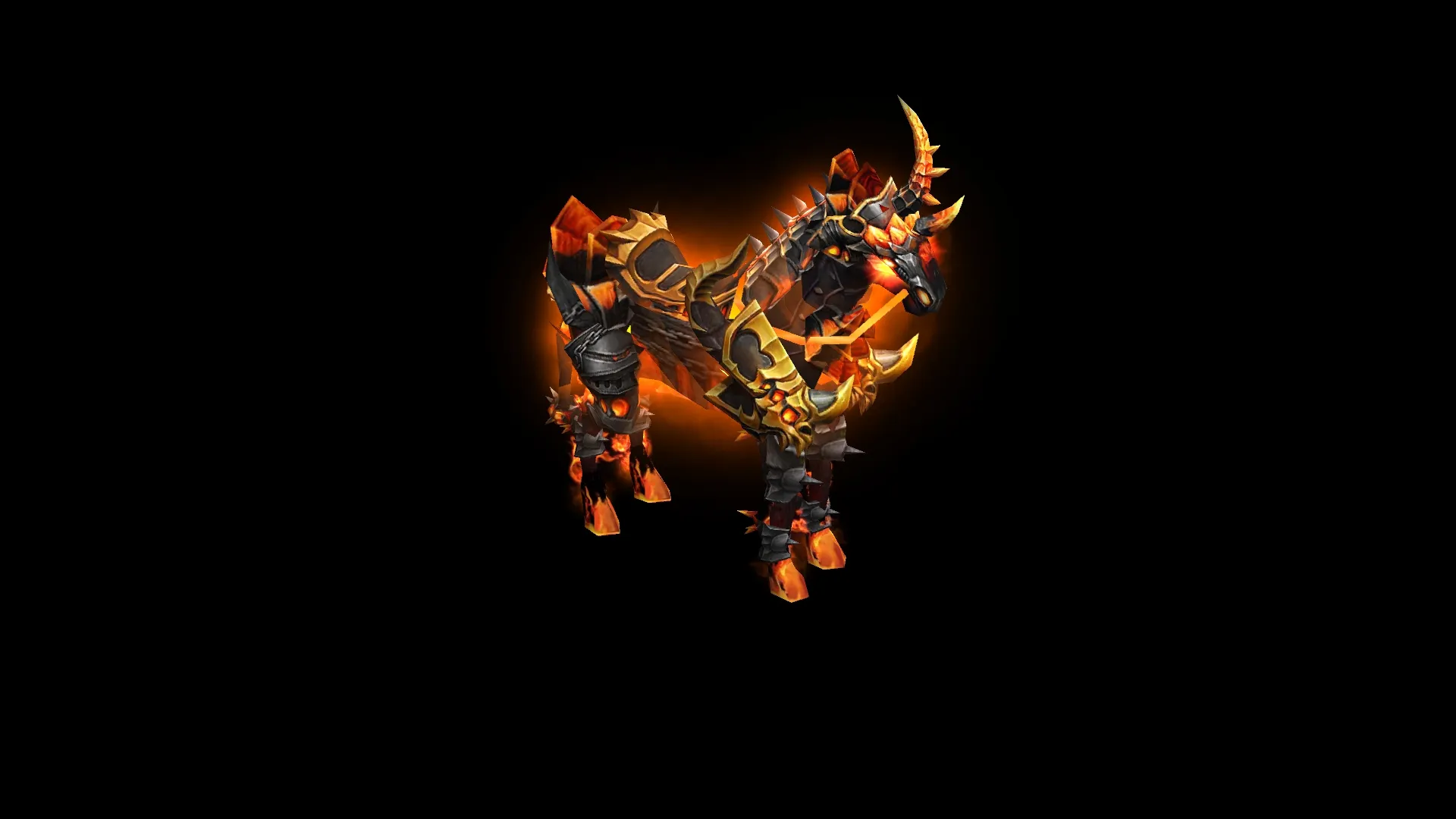 Aurion Horse
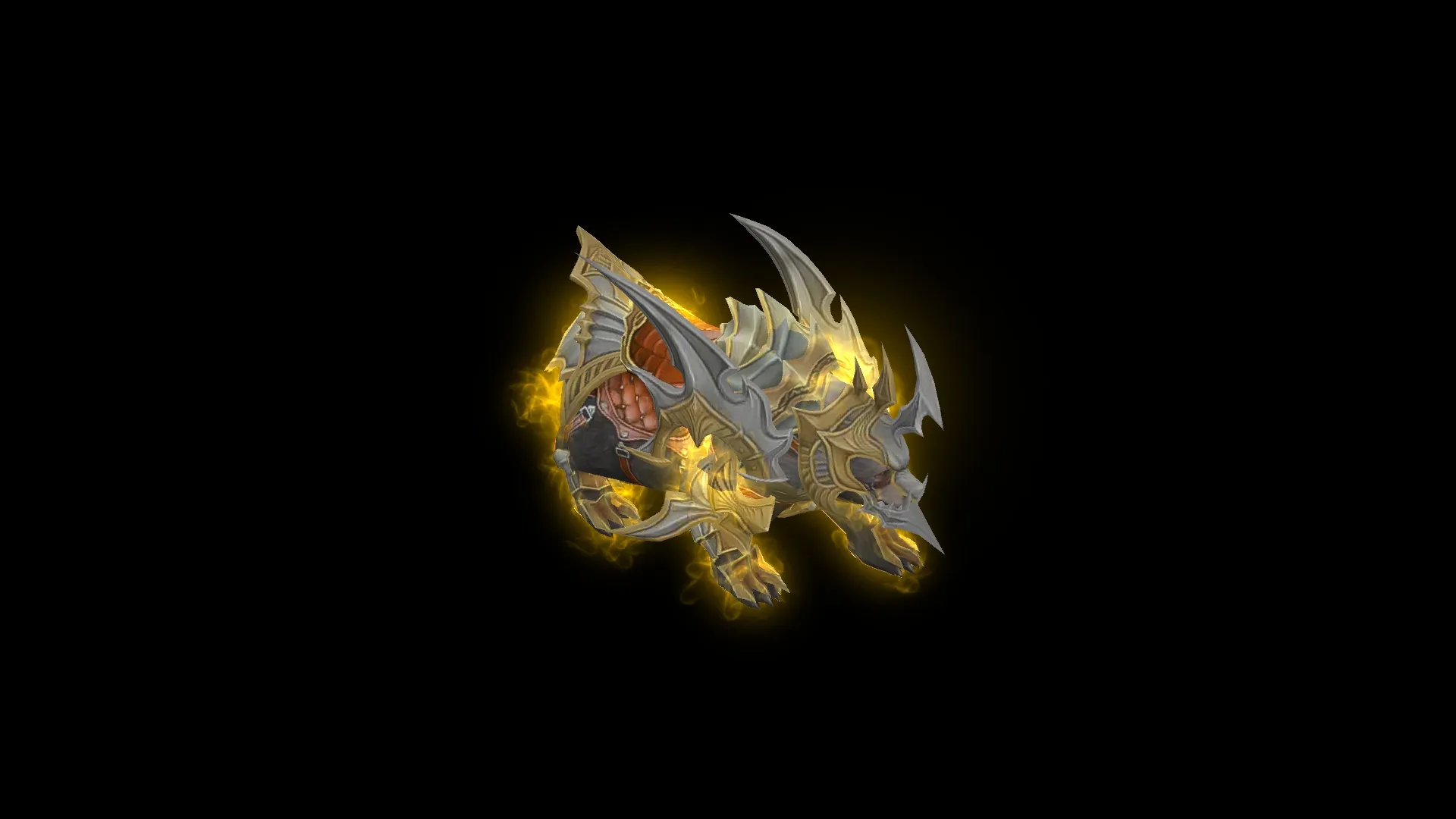 Black Bear

A new level 5 Battle Pass has been added. Rewards are now available up to 20 000 points.

The achievement points purchase limit has been raised — now you can buy them up to 10 times.
 Kill Venomchain Ravager+30
 Craft a Jewel of Exalt+30
 Kill Frozen King+60
 Kill Abyssal Dreadwing+75
 Kill Varyon+75
 Kill Golden Hell Maine+75
 Kill Zephtar+75
 Kill Draviel+30
Improvements
Fixes
See you in the game
Update your client and test the changes in combat.