
MuDream in your hands
The same servers, account and characters as on PC, with controls made for touch
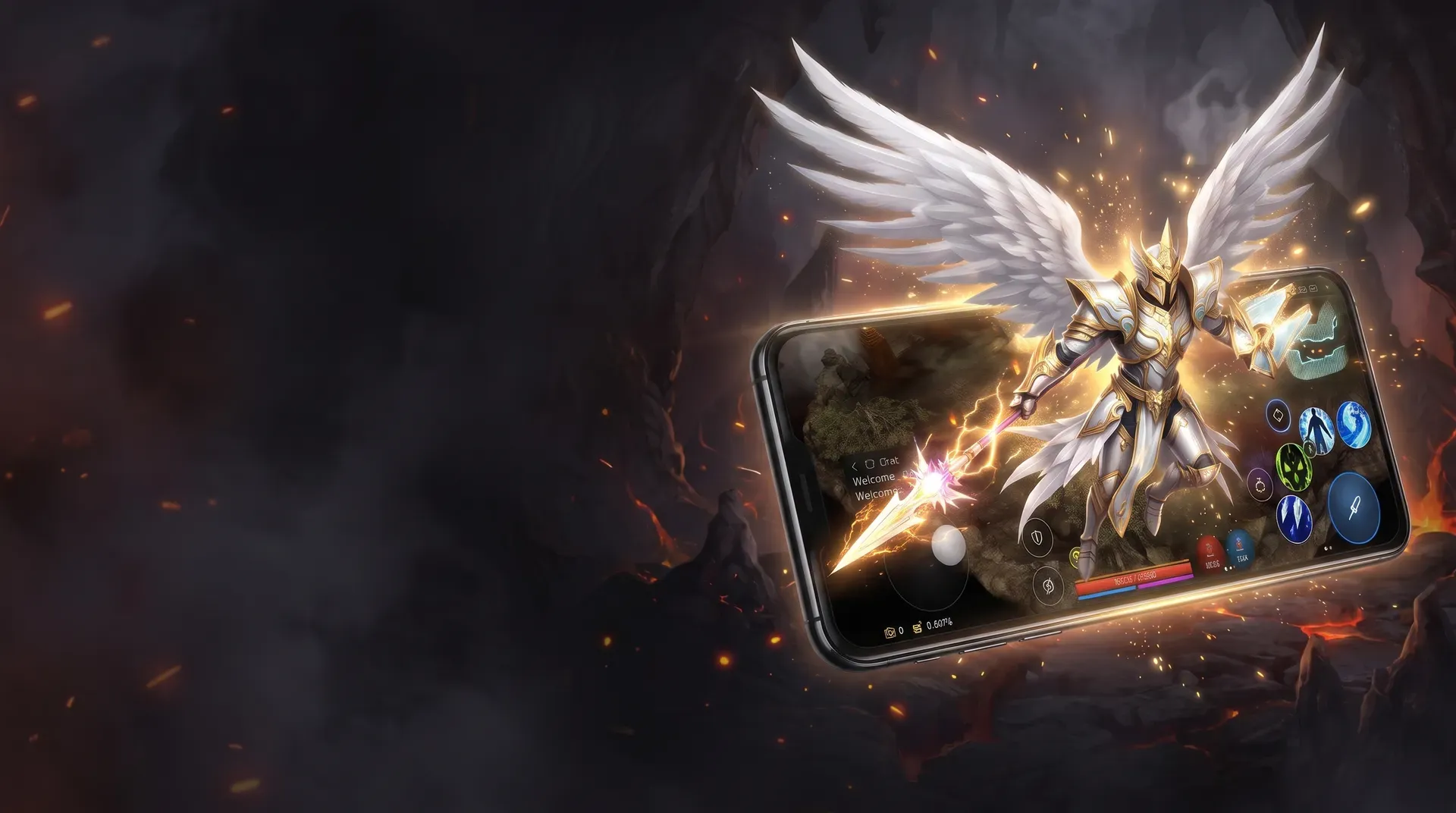
MuDream on
open beta test
One world on two screens
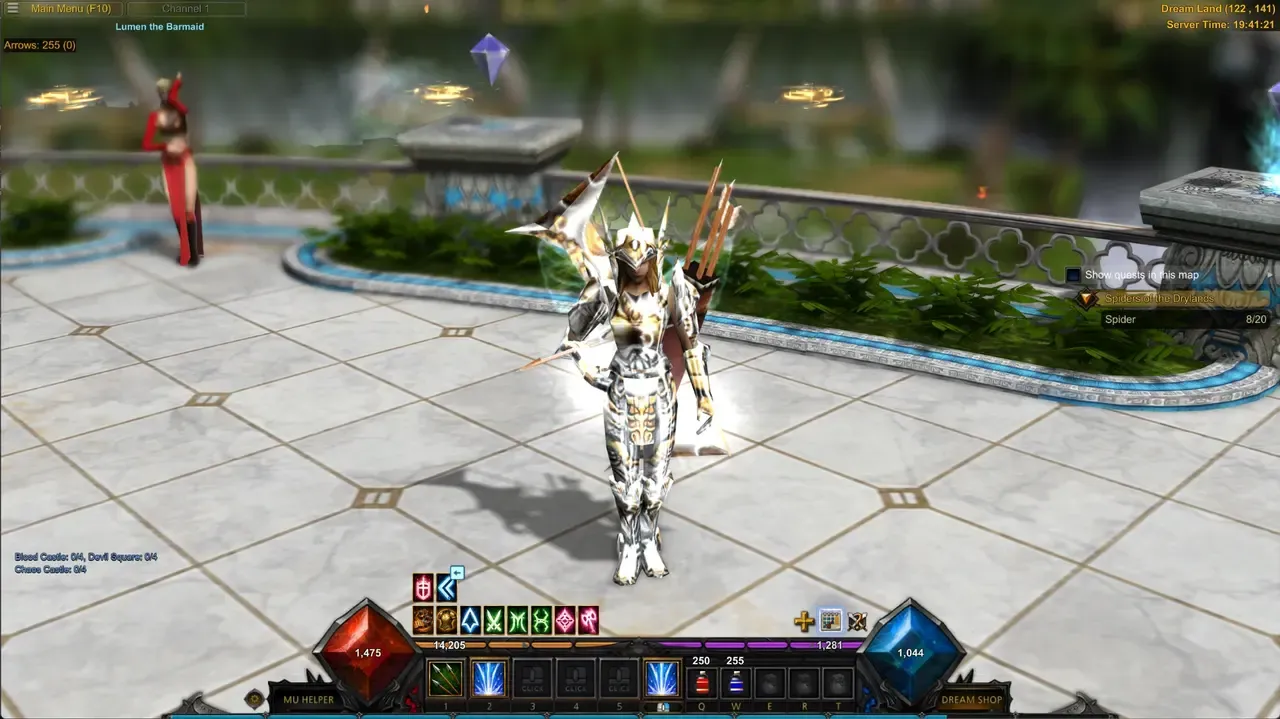
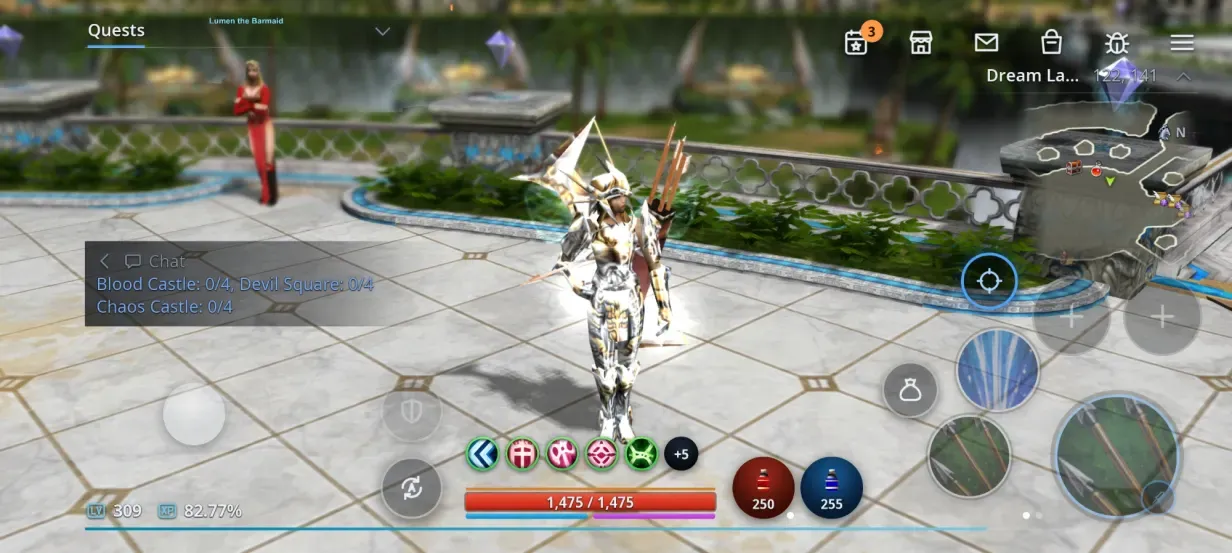
The client is cross-platform: phone and PC connect to the same servers. One world, no need to start over.
Log in with your MUDREAM account, no new one needed.
Characters, items and guild are the same as on PC.
Log out on PC, log in on your phone with the same character.
Interface rebuilt for phones
Launch the game on your phone for the first time and it feels like you've always played this way. Joystick on the left to move your character, skills and potions on the right. Put any skills you want on the buttons.
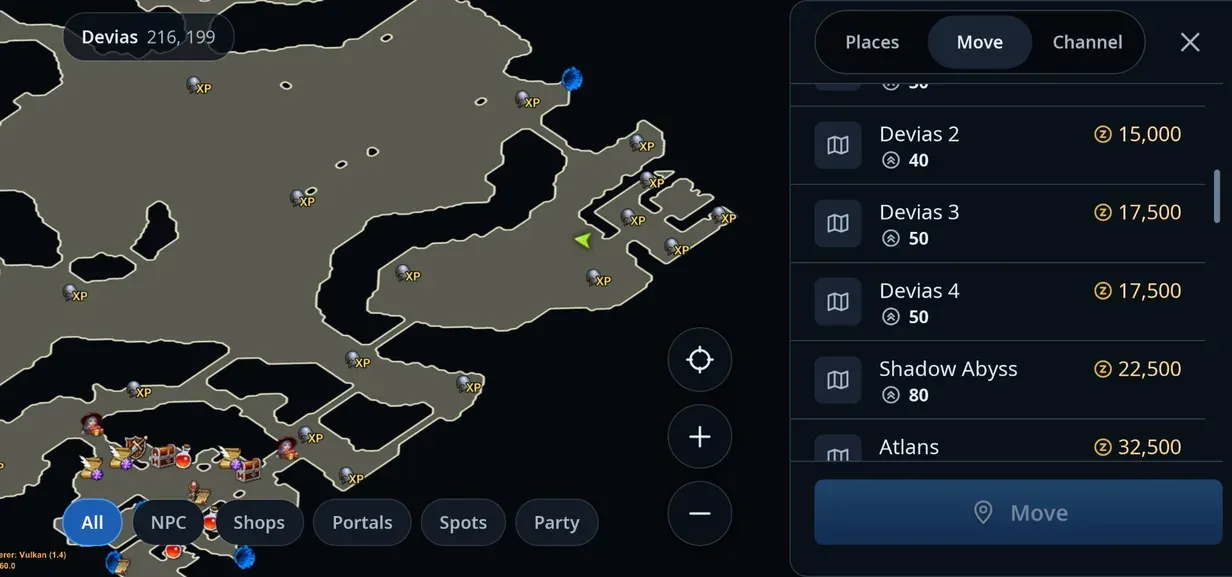
Tap the mini-map to open the map and teleport in one window.
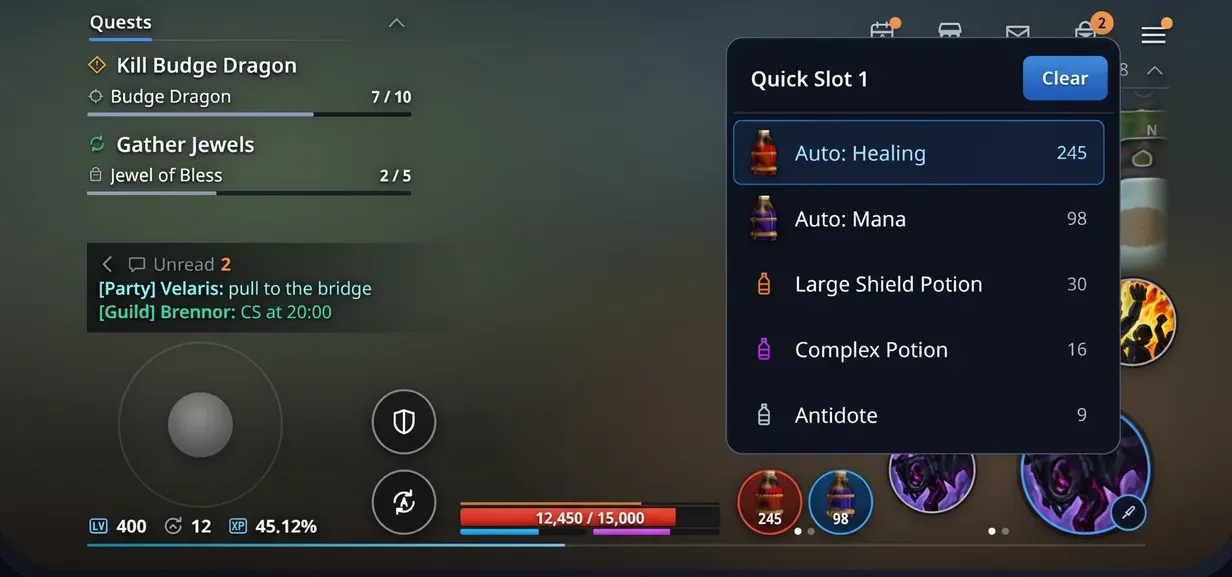
Four quick slots, two on screen at a time. Each slot shows which potion it will use and how many are left.
First , then
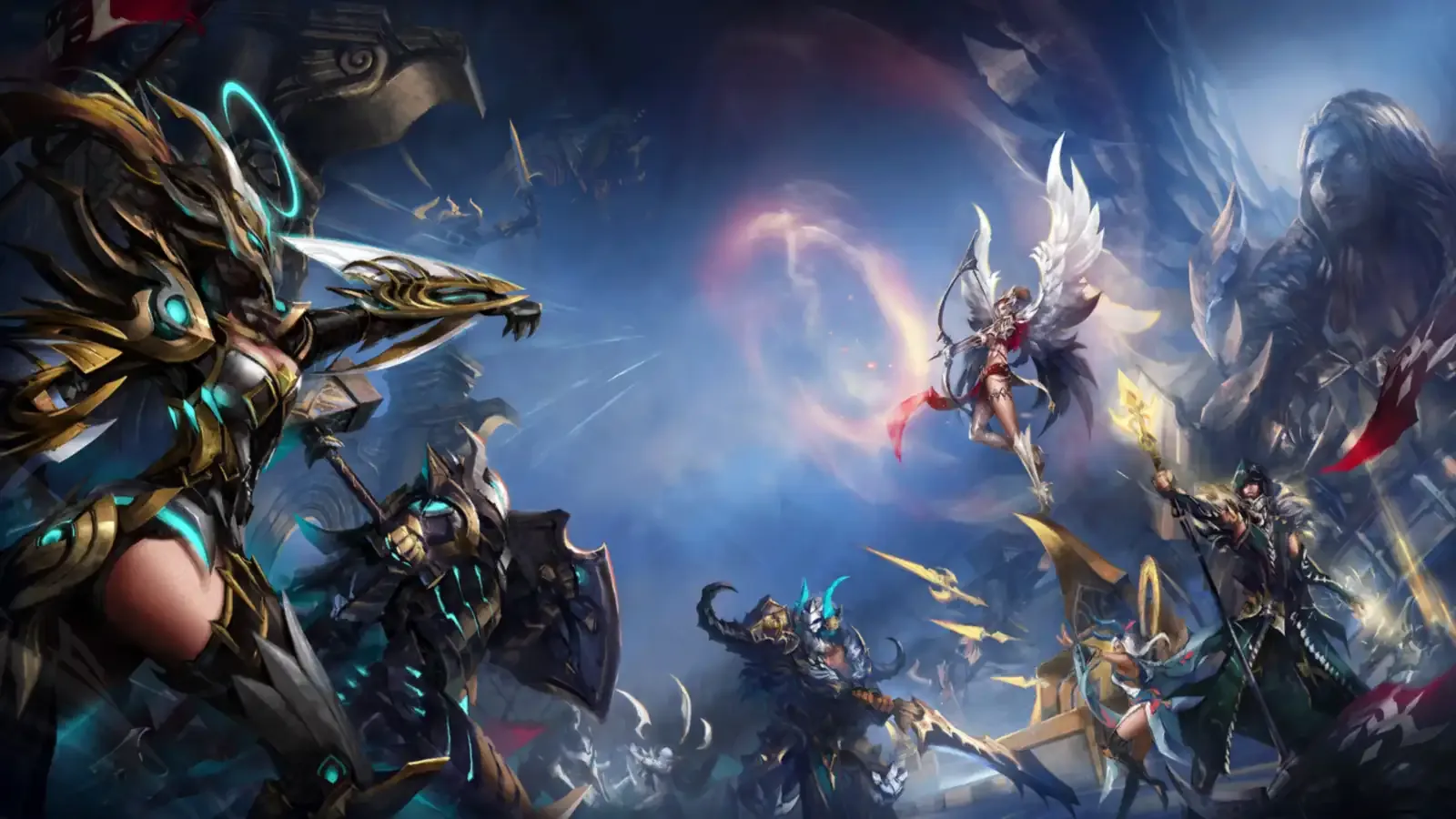
Join the open beta. You bring bugs and feedback, we bring a client that's comfortable to play.
We test the client and fix bugs and rough edges. New builds arrive on their own.
We'll release the polished client on iPhone. The sooner we finish with Android, the sooner it comes.
How to install
During the beta you install the game from a file, not from Google Play. It takes a few minutes. The game updates itself, so you only install it once. You need Android 8.0 or newer, a 64-bit phone with Vulkan support and about 3 GB of free space.
Download the APK
Tap the button below and download MuDream.apk from Google Drive. The file is about 161 MB.
Open the file
When the download finishes, tap MuDream.apk in your browser's downloads.

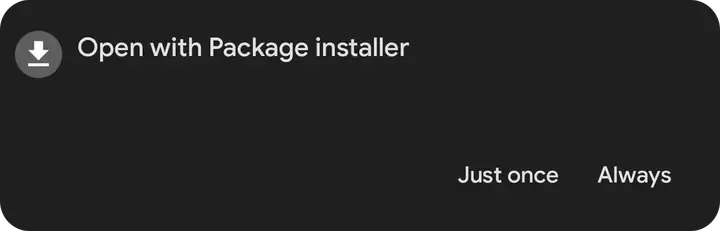
Open with Package installer
If the phone asks what to open the file with, choose Package installer, then Just once.
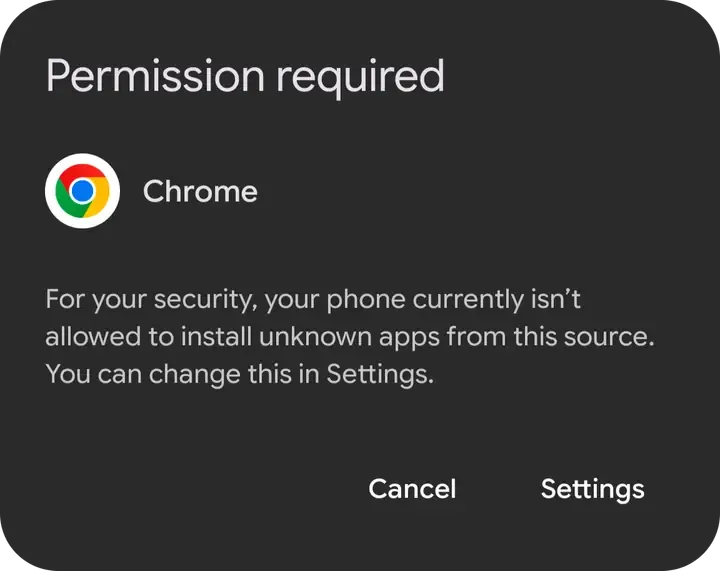
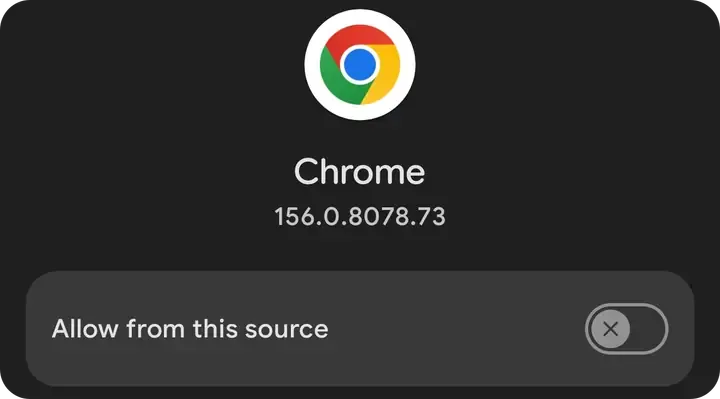
Allow installs from your browser
Android will ask you to let the browser install apps. Tap Settings, turn on Allow from this source and go back. You only do this once.
The screenshots show Chrome, the step is the same in other browsers.
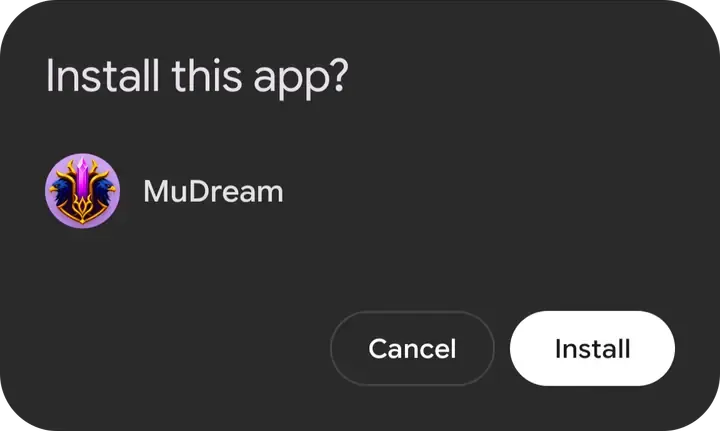
Install the app
Tap Install and wait for it to finish.
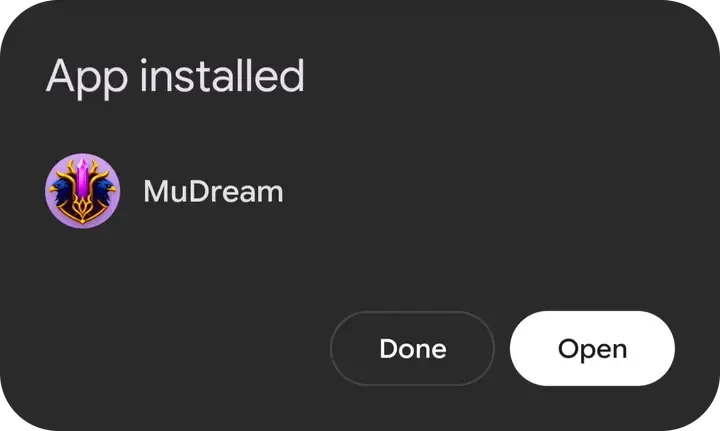
Open the game
Tap Open or find the MuDream icon on your home screen.
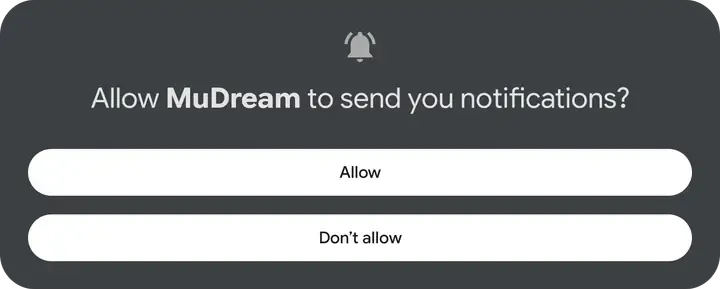
Allow notifications
Tap Allow. The game lets you know when the connection drops or your character dies. You can turn notifications off in the game settings.
Wait for the update
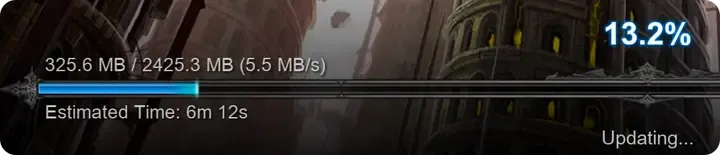
On first launch the game downloads about 2.4 GB, which takes a few minutes. Wi-Fi is better. Then log in with your MUDREAM account.
If Play Protect appears
Android shows this warning for any app not from Google Play. Download the APK only from the link in this news: we sign the file ourselves.
What else is in this update
Battle Royale: extra points removed
Bug fixed: every Battle Royale entry quietly gave your character about 70 stat points. They weren't visible anywhere in the game and only arrived at the next reset. Battle Royale no longer adds points, and the extra points built up this way are gone. So some characters will have fewer free points at their next reset than before. That's the correct amount.
New map (TAB)
- All location maps are redrawn. Ground you can walk on has a light fill with a thin outline, and everything extra is gone.
- Your marker and plotted route are now gold, party members are green.
Combat
- Rage Fighter: at high attack speed and high ping, some Dark Side and Dragon Slasher hits dealt no damage. Now every hit deals damage.
- If your character gets knocked back or pulled, it no longer runs back to the old spot and responds to controls right away.
- The server responds to your actions faster: moving and attacking have no extra delay.
Character
- When you spend points (the + button next to a stat), the window shows right away what the stat will become and how many free points remain. If you don't have enough points or the stat goes over the limit, the number turns red.
- The Max button fills in the most you can spend.
- The master level XP bar above 200 now fills correctly, and the percentage in the master tree window is right too.
- Fixed the amount of XP shown for quests.
Items and pets
- Pickup: your character walks up and picks the item up right away, no second click needed.
- New Excellent items: extra stat bonuses are now spread evenly. Strength used to drop much less often than the others; on elf armor, for example, it almost never appeared.
- The pet health bar no longer flickers in combat when the mount hides during an attack.
- At low FPS the mount no longer jerks under the rider.
- The flashes around characters with +13…+15 sets and the full Ancient set aura no longer light up the ground underfoot. The effects themselves stay.
Events
- In Chaos Castle you can no longer form a party through Party Search: everyone is on their own there.
Game update
- While an update downloads, the bar shows about how long is left.
Found a bug?
Send it right from the game or post it in Discord under the Mobile category: attach a screenshot and your phone model.