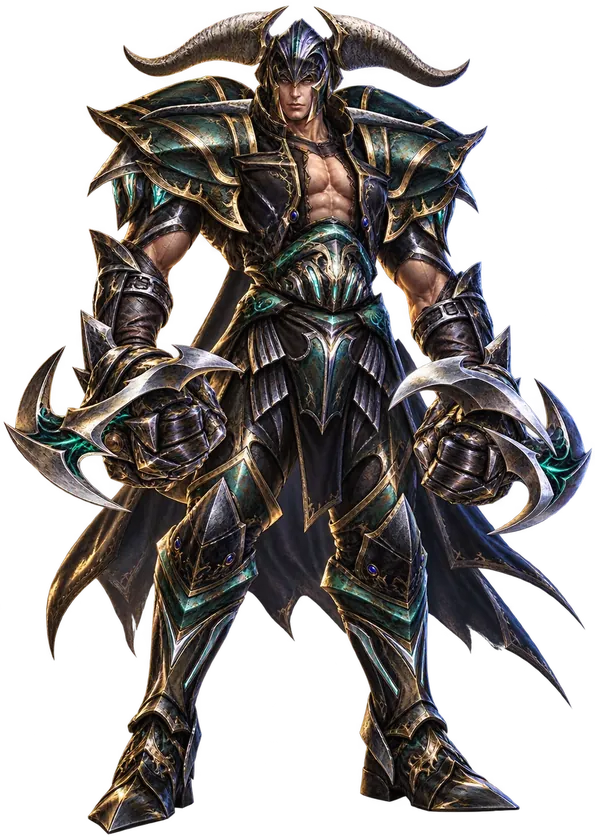

Guest Access

Guest Access
Guest Access lets you safely share your account with friends, your party or guildmates without risking your personal data or in-game items. You can set different access levels for different people — one helps you farm, another can trade.
- F10opens the Hotkey Menu
- 20sessions per account
- 3–48 hor no time limit
Share your account in three steps
Your friend logs in with a generated password, not yours.
- 1
Open the panel
Press F10 to open the Hotkey Menu, then click the Guest Access icon.
- 2
Create a session
Set the restrictions and duration — from 3 to 48 hours or no limit, name the session and generate a password of 10 characters.
Hand over the login details
Send your account name (used to log in) and the generated password.
You decide what your guest can do
Each right is a separate checkbox. Anything you don't tick stays locked for the guest.
Chats
Any of the 6, one by one
Trade
Trading with other characters
NPC shop
Buying and selling at merchants
Mix
Mixes at Chaos Goblin
Cash Shop
In-game shop
Warehouse
Warehouse access
Guild
Guild actions
Friend
Friend list
Jewels Bank
Jewel bank
Off-limits for guests Deleting characters and managing sessions — only the owner can do that. Guest messages in chat are marked as guest.
Guest Access in action
Everything in one panel
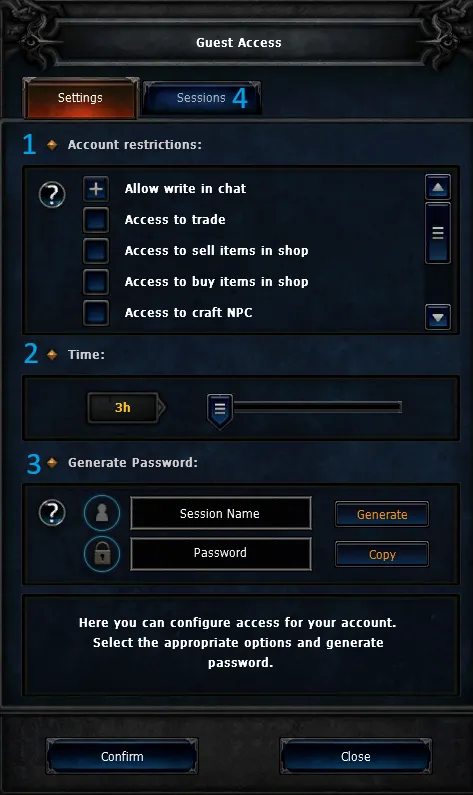

- 1Session restrictions
- 2Time limit for each session
- 3Field to name the session and generate a password
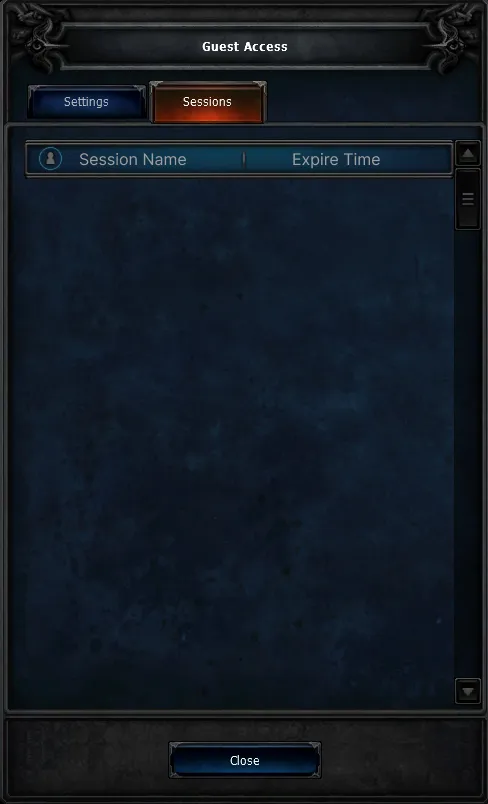
- 4List of active sessions — delete a session by entering your personal code
Note You're always responsible for the rights you give out.
Let your friends farm while you rest
With this feature your friends can farm for you while you're away — safe and easy.